In this guide, you will learn how to directly integrate Apple Pay with SumUp, so that you can retain your own UI/UX flow. Please note that you can also offer Apple Pay through our Payment Widget (see Payment Widget documentation).
Prerequisites
- You have a SumUp merchant account and have already filled in your account details(Opens in a new tab).
- Get familiar with Apple Pay on the Web guide(Opens in a new tab).
- Offering Apple Pay requires registering with Apple on all web domains that will expose an Apple Pay button (includes TLD and subdomains). This is a requirement for production AND test environments.
- If you want to test payments without involving real funds, create a sandbox merchant account.
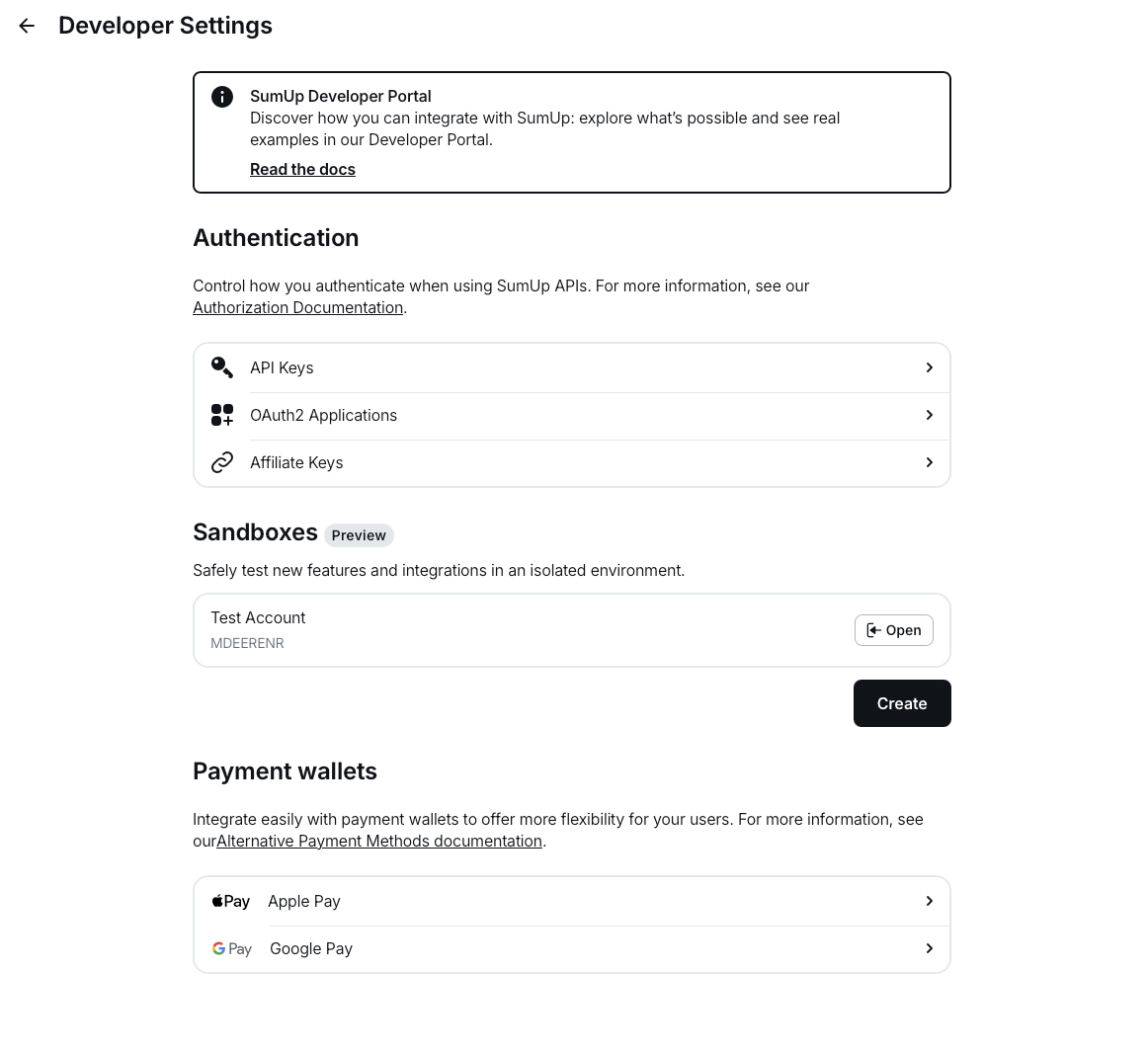
- Complete the domain onboarding setup steps described in your Dashboard under Settings > For developers > Payment wallets.
Accepting Apple Pay Payments with SumUp
To begin your implementation, follow these steps:
const applePaymentRequest = {
currencyCode: "EUR",
countryCode: "DE",
merchantCapabilities: ["supports3DS"],
supportedNetworks: ["masterCard", "visa"],
total: {
label: "Demo",
amount: "0.00",
type: "final",
},
};- Initiate an Apple Pay session(Opens in a new tab) and call the begin method(Opens in a new tab)
- Listen for the
onvalidatemerchantcallback and collect the validation URL from the event. Create the following payload and pass the validation URL you received from Apple as thetargetvalue:
{
"target": "https://apple-pay-gateway-cert.apple.com/paymentservices/startSession",
"context": "your_domain_name"
}and initiate a merchant session by calling
PUT https://api.sumup.com/v0.1/checkouts/${checkoutId}/apple-pay-session-
Use the response from the previous step to complete merchant validation with the
completeMerchantValidation(Opens in a new tab) method. -
Submitting the payment sheet triggers the
onpaymentauthorizedcallback. At that point, process the checkout. The process-checkout request body needs to include apayment_typeofapple_payand anapple_payobject containing the Apple Pay payment token returned by the callback.
{
"payment_type": "apple_pay",
"id": "9be2da07-a7bd-4877-bc0a-e16cd909a876",
"amount": 12,
"currency": "EUR",
"apple_pay": {
"token": {
"paymentData": {
"data": "si2xuT2ArQo689SfE-long-token",
"signature": "MIAGCSqGSIb3DQEHA-long-signature",
"header": {
"publicKeyHash": "PWfjDi3TSwgZ20TY/A7f3V6J/1rhHyRDCspbeljM0io=",
"ephemeralPublicKey": "MFkwEwYHKoZIzj0CAQYIKoZIzj0DAQcDQgAEaBtz7UN2MNV0qInJVEEhXy10PU0KfO6KxFjXm93oKWL6lCsxZZGDl/EKioUHVSlKgpsKGin0xvgldfxeJVgy0g==",
"transactionId": "62e0568bc9258e9d0e059d745650fc8211d05ef7a7a1589a6411bf9b12cdfd04"
},
"version": "EC_v1"
},
"paymentMethod": {
"displayName": "MasterCard 8837",
"network": "MasterCard",
"type": "debit"
},
"transactionIdentifier": "62E0568BC9258E9D0E059D745650FC8211D05EF7A7A1589A6411BF9B12CDFD04"
}
}
}Handling the responses from the API calls should be according to our public API contract & guidelines